Shopify SEO Checklist for Melbourne Online Retailers: 6 Fixes Before You Spend on Ads
Most Melbourne online stores are leaking traffic they already paid to earn. A customer finds a product on Google, the page takes four seconds to load, and they bounce back to the results before your add-to-cart button even renders. That is not a marketing problem. It is an SEO problem, and on Shopify it is usually one of six fixable things.
This checklist is written for Melbourne retailers running Shopify stores who want more sales from organic search without adding to their ad spend. We will walk through what to fix, roughly what it costs to fix it, and how long the results take to show up.
Not sure where your own store stands? Our free 30-minute audit will tell you exactly which of these six items is costing you the most, even if you never become a client. Book a free consultation.
1. Fix duplicate product and collection URLs
Shopify creates more than one URL for the same product the moment it sits in two collections, which is common for stores selling anything with variants (size, colour, bundle). Google sees two web addresses showing near-identical content and has to guess which one matters. Often it picks neither, and both versions rank worse than a single clean page would.
The fix is a canonical tag pointing every duplicate back to one preferred URL, plus a tidy-up of your collection structure so a product is not filed in five places at once. For a mid-sized catalogue (200 to 800 products) this is usually a half-day to full-day job. You can spot the problem yourself by searching site:yourstore.com.au "product name" in Google and checking whether more than one result comes back for what should be a single page.
2. Get images loading in under two seconds
Product photography sells the item, but an oversized image file slows the whole page down, and speed is now a ranking factor as well as a conversion one. Pages that load in under two seconds bounce at around 9%; pages that take five seconds or more bounce at closer to 38%, according to 2026 page speed benchmark data.
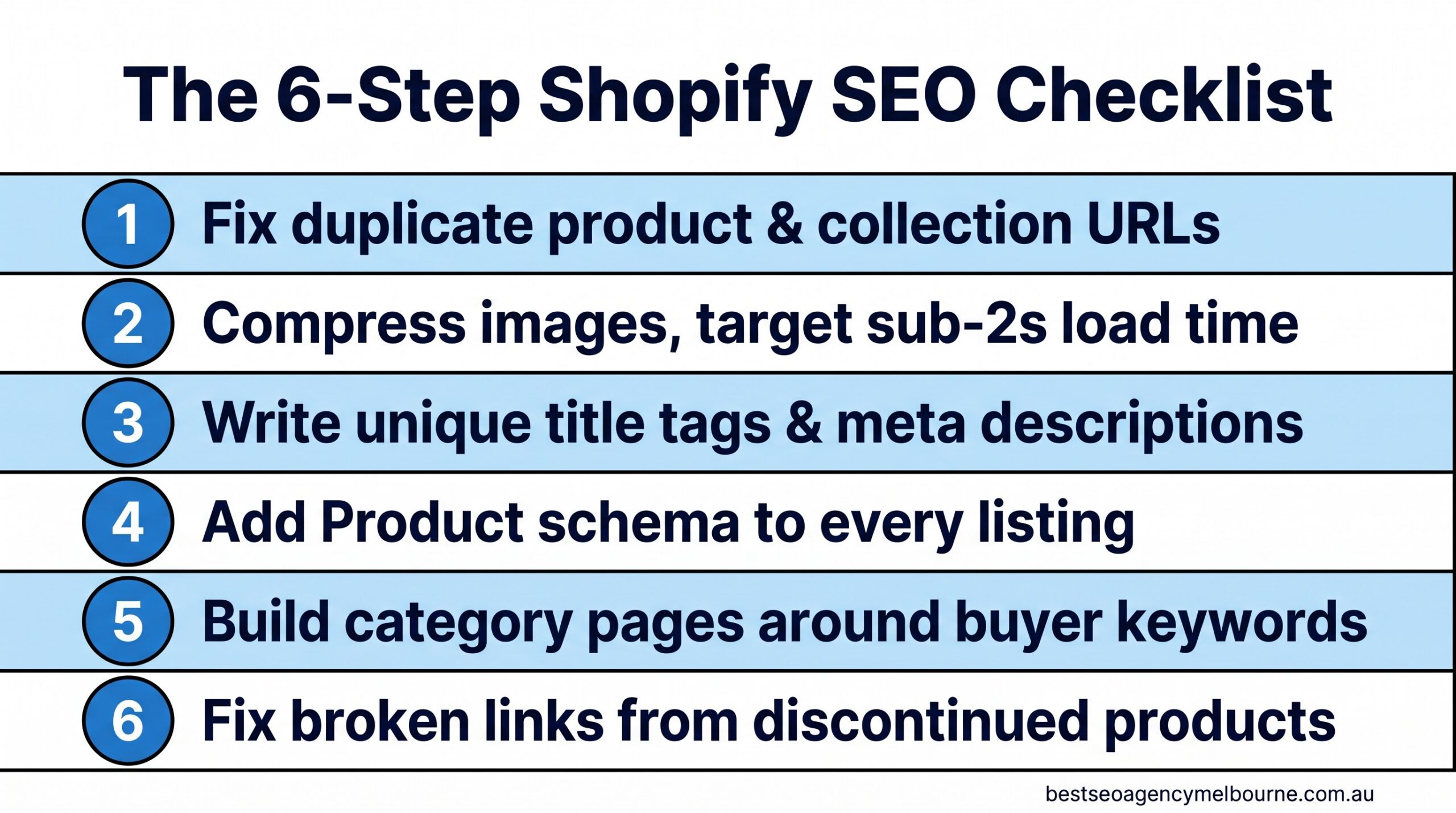
The six fixes in this checklist, in the order we recommend tackling them.
Compressing product images (Shopify apps like TinyIMG or built-in image optimisation can do this without a developer) and switching to next-gen formats such as WebP typically claws back one to two seconds of load time on a store that has never had this done before.
3. Write title tags and meta descriptions that are not the product name twice
The single most common Shopify SEO fault we see in Melbourne stores is a title tag that just repeats the product name with no context: “Blue Cotton Shirt – Blue Cotton Shirt”. Google uses the title tag to decide what a page is about and to write the blue clickable headline in search results. A better pattern includes the product, a distinguishing detail, and the brand: “Blue Cotton Shirt – Breathable Summer Fit | Store Name Melbourne”.
This is a content task, not a technical one, and it is the cheapest item on this list to fix. A store with 300 products can realistically rewrite its top 50 highest-traffic title tags and meta descriptions in a week. Start with the products that already get traffic but few sales; a stronger title and description often lifts the click-through rate on a page Google already ranks, which is faster than trying to rank a brand-new page from nothing.
4. Add Product schema to every listing
Schema markup (also called structured data) is a small block of code that tells Google specific facts about a page: this is a product, it costs this much, it is in stock, and it has this star rating. Without it, Google has to infer those details from the page text, which it does imperfectly. With it, your listing can show a price, a rating and stock status directly in the search result, which is proven to lift click-through rate.
| Element | Shown in search results without schema | Shown in search results with schema |
|---|---|---|
| Price | No | Yes, as a visible line |
| Star rating | No | Yes, if reviews are present |
| Stock status | No | Yes (“In stock”) |
| Typical CTR uplift | Baseline | 20-30% higher, per structured data research |
If your Google Business Profile listing or product pages look like the plain “before” example in that table, talk to our Melbourne team — adding Product schema across a Shopify catalogue is usually a two-week job, not a rebuild.
5. Build category pages around what buyers actually search for
Product pages rank for specific items. Category (collection) pages are what rank for the broader, higher-volume searches like “women’s linen shirts Melbourne” or “waterproof dog beds Australia”. A collection page with no written content beyond a product grid gives Google almost nothing to work with, so it under-ranks for exactly the searches that bring the most traffic.
Adding 150 to 300 words of genuinely useful buying-guide content above or below the product grid, built around the terms real customers use, is one of the highest-return fixes on this list because it targets searches with real commercial intent.

Organic search is the highest-converting channel most Melbourne Shopify stores have, and it does not stop working when you pause spending.
Australians spent a record $82.6 billion shopping online in 2025, with 24% of all retail spend now happening online, according to the Australia Post eCommerce Report 2026. Organic search conversion rates on Shopify typically sit between 2.5% and 3.5%, well above the 1.4% site-wide average, according to Shopify’s own 2026 conversion benchmark data. Every category page you improve is competing for a genuinely large and growing pool of buyers.
6. Fix broken links from discontinued products
Every retailer discontinues stock, and every discontinued product page that is simply deleted becomes a dead link, a 404 error for anyone who had it bookmarked, shared it, or found it in a search result that has not updated yet. Dead links waste the ranking value that page had built up and create a poor experience for shoppers who arrive expecting to buy something that no longer exists.
The fix is a 301 redirect from the old product URL to its closest live replacement or the relevant category page, set up every time a product is discontinued rather than in an annual clean-up.
What this costs, how long it takes, and what goes wrong
For a Melbourne store with 200 to 500 products, working through all six items typically costs somewhere between a solo freelancer’s day rate for a light pass and a few thousand dollars for a full technical and content overhaul, depending on how much of the catalogue needs rewriting. Expect the technical fixes (schema, redirects, canonical tags) to show up in Google Search Console within two to four weeks, and the content fixes (title tags, category pages) to move rankings over eight to twelve weeks as Google re-crawls and re-evaluates the pages.
The most common mistake we see is stores treating this as a once-off project rather than an ongoing habit. New products get added every month without title tags being checked, and by month six half the catalogue has drifted back into the same problems. Building these six checks into your product upload process is what actually protects the ranking gains.
Quick FAQ
Do I need a developer to fix Shopify SEO issues? Most of this checklist (title tags, image compression, category content) can be done inside Shopify’s standard editor or with well-reviewed apps. Schema markup and canonical tag clean-ups usually benefit from a specialist, particularly on larger catalogues. See our full FAQ for more on how engagements typically run.
Will this work for a store with under 50 products? Yes, smaller catalogues actually see faster results because there is less to fix and Google can re-crawl the whole site more quickly.
Should I fix all six at once or one at a time? If budget is tight, start with title tags and image compression first. Both are quick to implement and tend to move rankings fastest, which makes it easier to justify tackling the remaining items afterwards.
If you are still comparing agencies before committing budget to any of this, our guide on how to choose an SEO agency in Melbourne without signing a 12-month mistake covers the questions worth asking before you sign anything. And if product page copywriting is your bigger gap than the technical side, our guide to writing for humans and Google at the same time is a useful next read.
None of these six fixes require a full site rebuild, and none of them require pausing your ad spend while you sort them out. They are the groundwork that makes every other marketing dollar you spend work harder, because a store that ranks well and loads fast converts better regardless of where the visitor came from.
Book your free consultation. No lock-in contracts, reply within 24 hours, Melbourne-based team. Get started.
Want results like these for your business?
Book a free, no-obligation consultation with a Melbourne SEO expert.
Get a Free Consultation